01 · Inspect
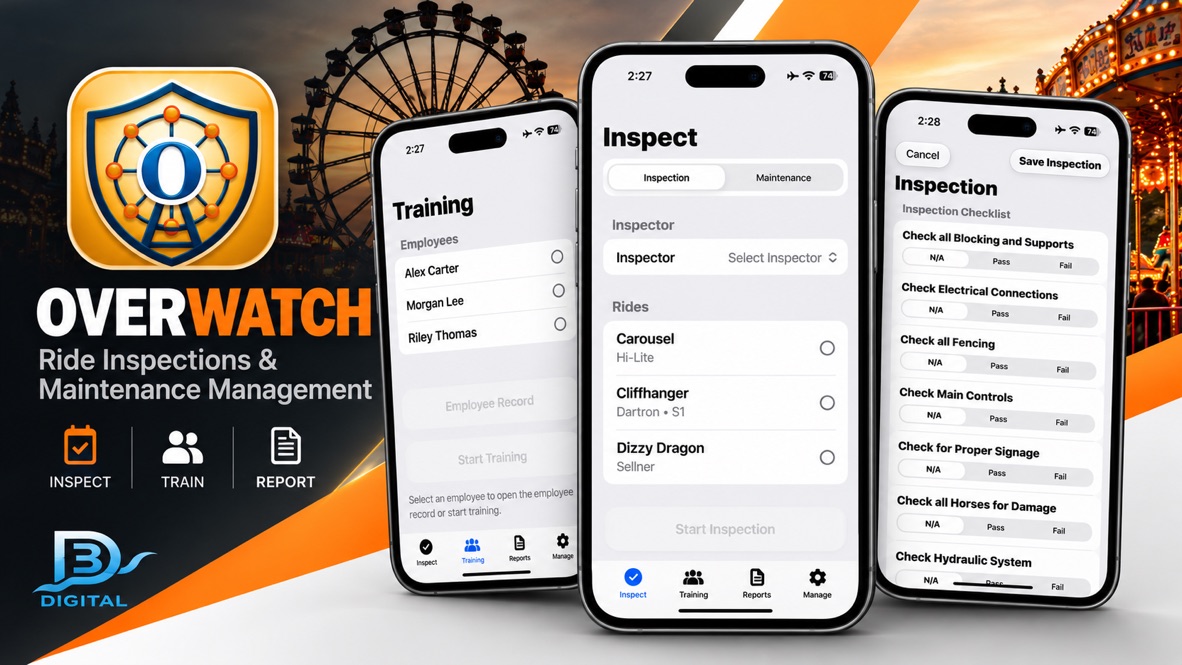
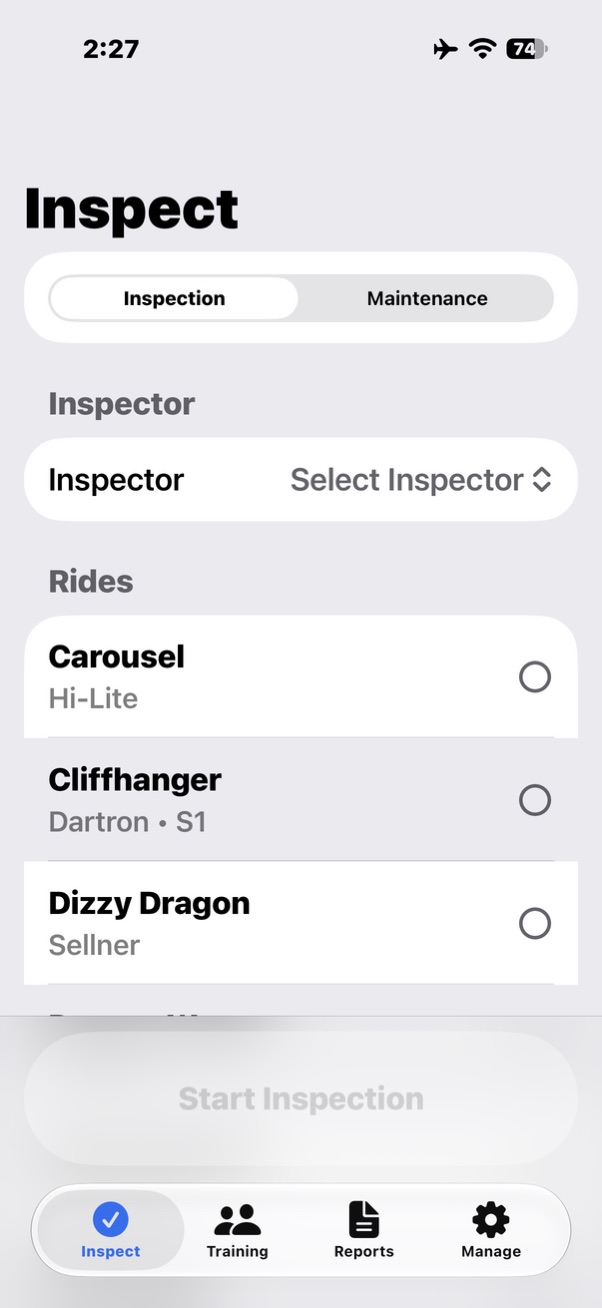
Digital ride inspectionsFamiliar checklists with simple Pass, Fail, and N/A selections tied to individual rides and inspectors.
Practical hardware and software for the people behind the rides, games and attractions. D3 Digital brings firsthand amusement-industry experience to tools that fit the way operators already work.
Put the right message at your fingertips, with a dedicated button for each announcement.
From programming messages to inspection and ride photography, tools shaped by real operational needs.
Your inspections. Your workflow. Without the paperwork.
Overwatch brings ride inspections, maintenance documentation, training records, and reporting together in a straightforward digital system designed for the amusement industry. Built around familiar workflows, it helps operators replace paperwork without unnecessarily complicating their daily operations.
Need a quick walkthrough? Download the Overwatch Quick Start Guide →
Familiar checklists with simple Pass, Fail, and N/A selections tied to individual rides and inspectors.
Keep maintenance activities and equipment history organized alongside the work they describe.
Document training activities and keep employee records connected to the operation.
Review results, identify documented failures, filter records, and produce PDF documentation.
Maintain ride profiles, company units, and the information needed for daily workflows.
Designed around an offline-first workflow so core inspection and recordkeeping do not require continuous connectivity.
Authentic screens from the current Overwatch application, presented in the same order an operator encounters the work.
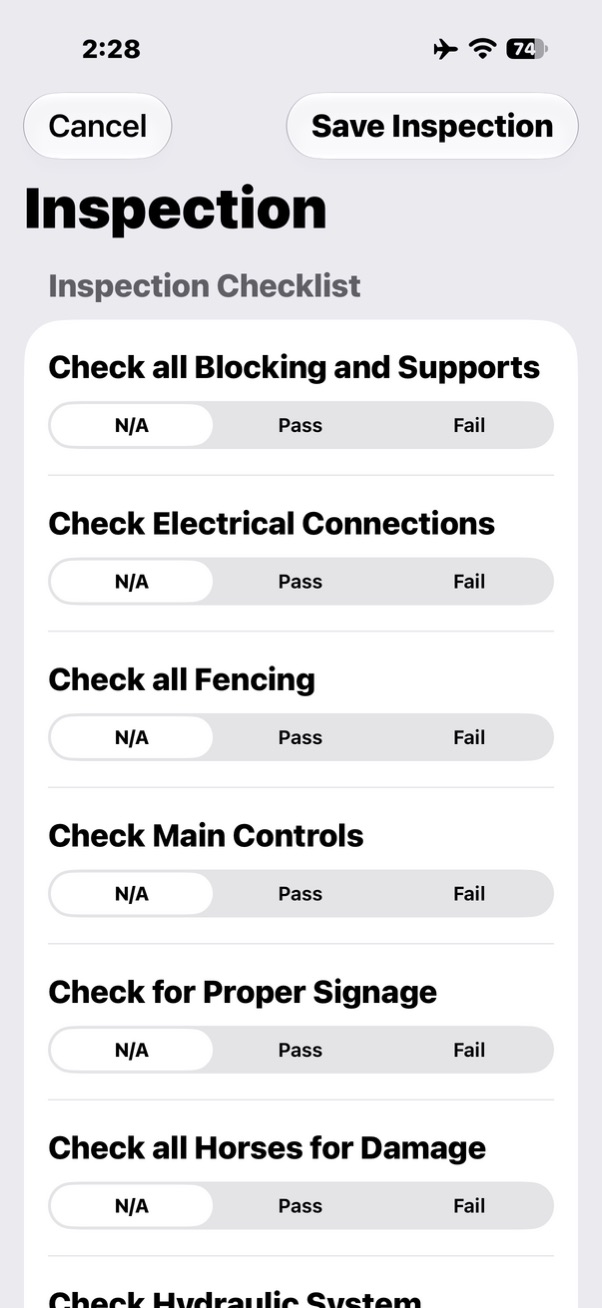
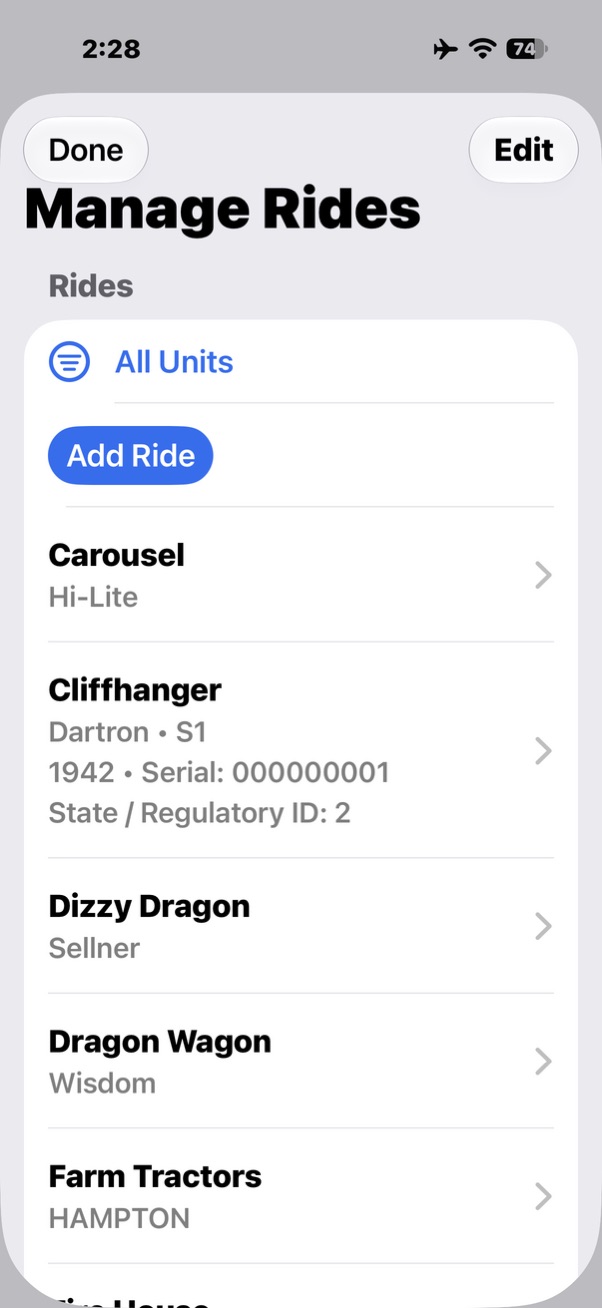
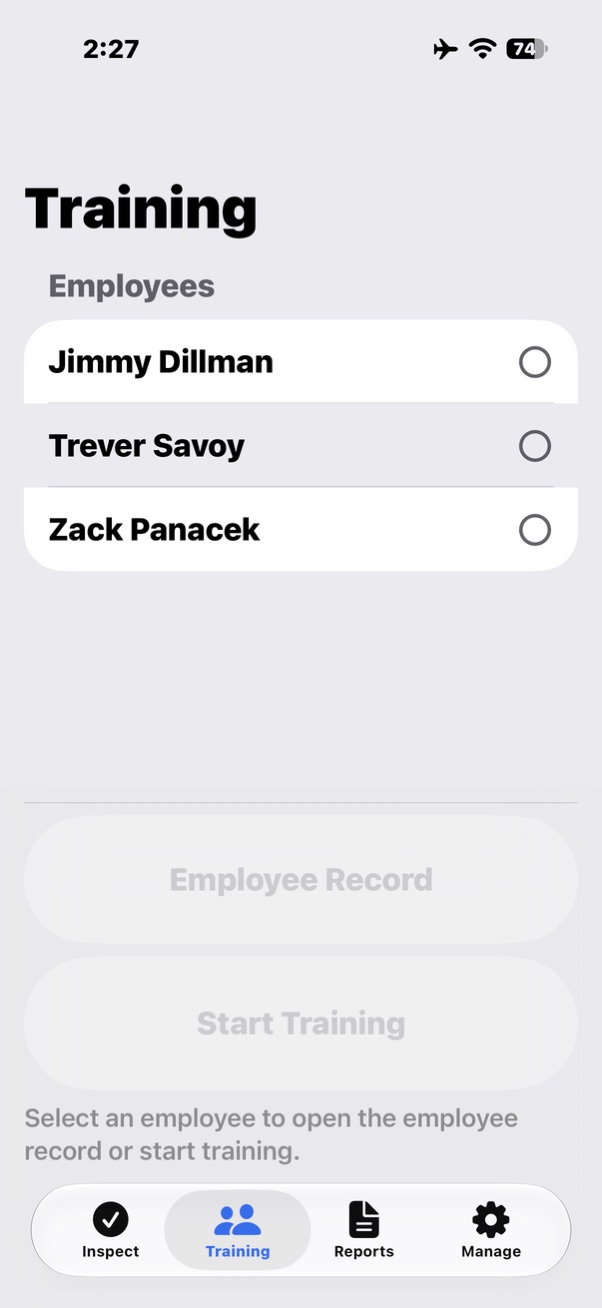
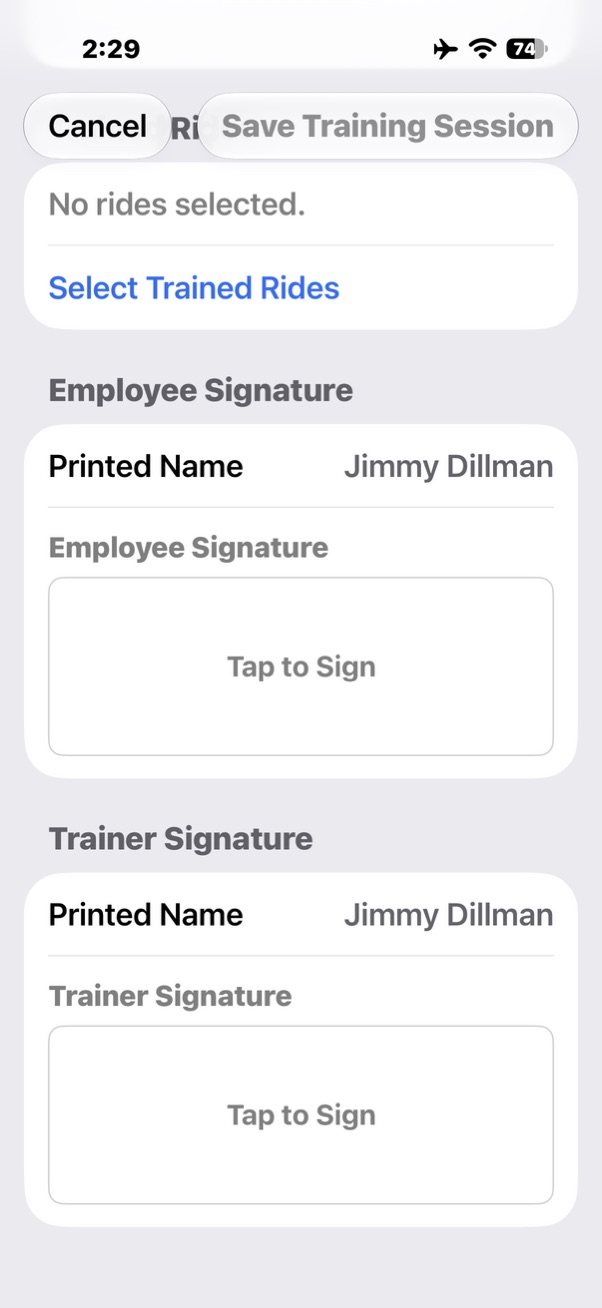
Currently in beta testing. Public App Store availability is not yet confirmed. Contact D3 Digital to learn more about testing and availability.
Learn moreKeep announcements consistent and easy to select—without repeating every message yourself.
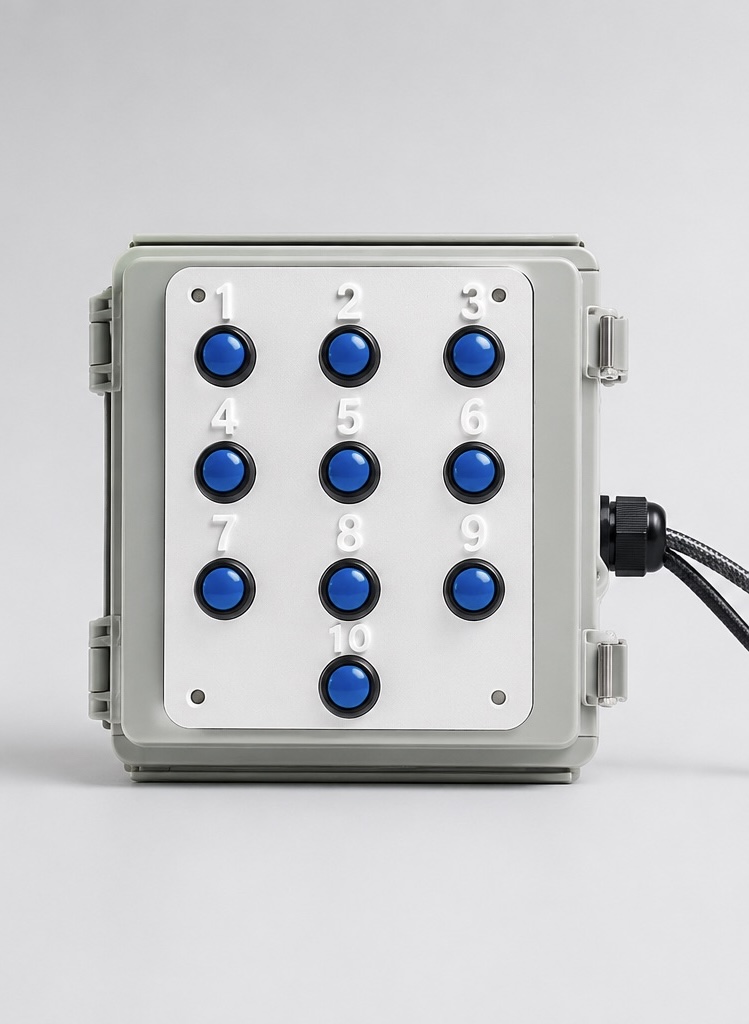
Programmable message playback for rides, games, concessions and attractions. Press a button to play its assigned message immediately.
Free standard U.S. shipping.
Order / Request invoiceA four-button configuration and custom configurations are available. Pricing is quoted individually.
The message should fit your operation. Custom message creation is included with the standard 10-button system.
Plan your messages →Tell us what you need to say. We can help create and preload custom messages, with voice options discussed as part of your order.
Use PlaySelect to prepare and assign your own audio. Update the repeater when your announcements change.
RCA line output connects to a compatible amplifier, mixer or powered speaker. Other audio-output configurations can be discussed.
Assign a different message to each button. Select the announcement that fits the moment.
Pressing another button interrupts the current message and starts the new one. Messages do not queue.
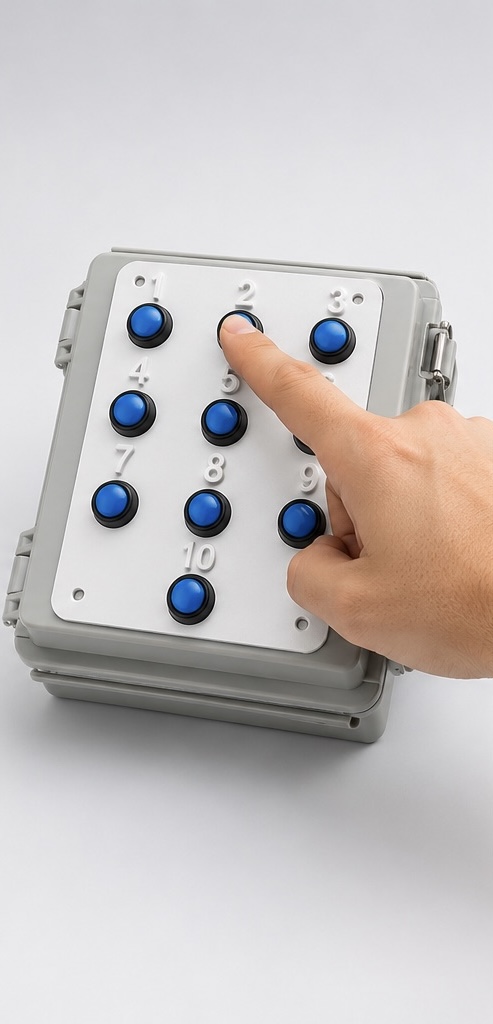 PRESS 1
A welcome, instruction or announcement.
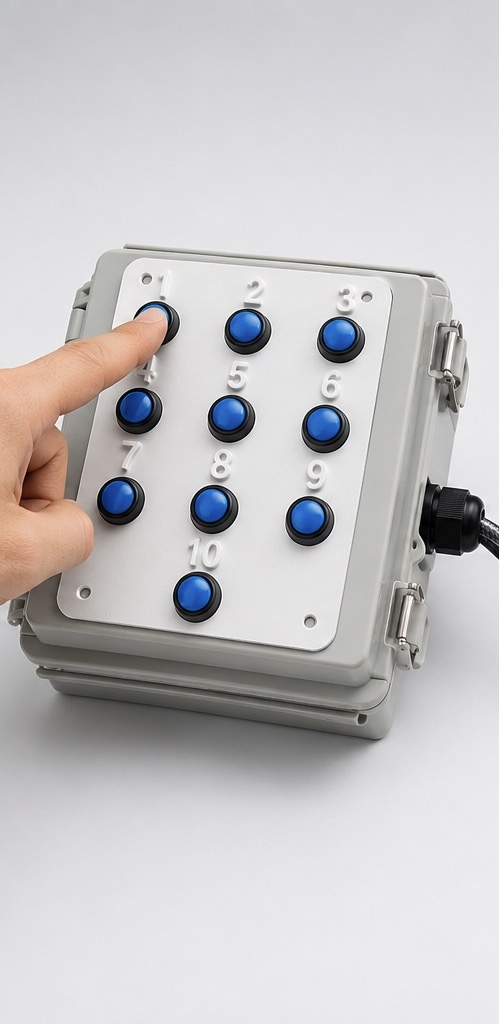 PRESS 2
Choose a different message as needed.
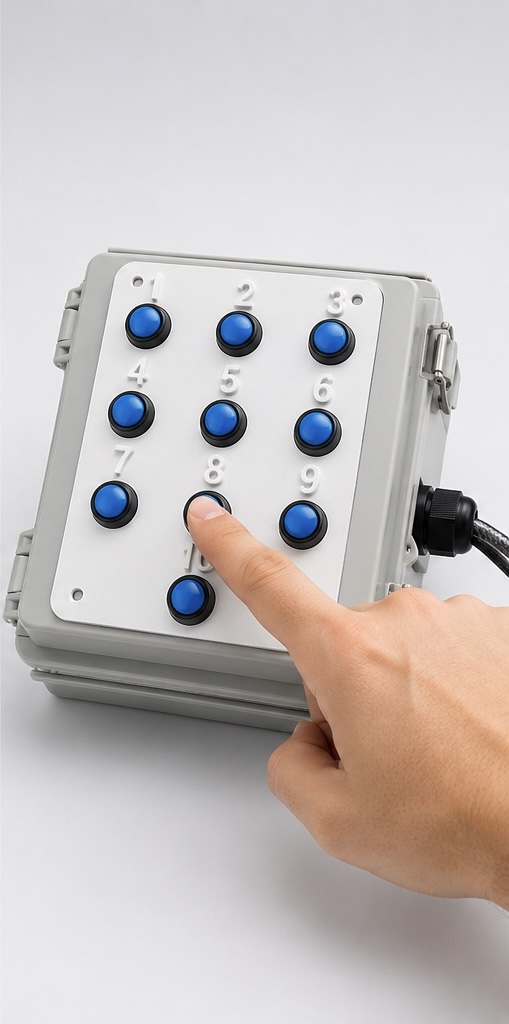 PRESS 8
Every button has its own assigned message.
Focused applications for amusement operations, with each project's availability clearly identified.
D3 Digital's programming software for D3 message systems. Prepare and assign your messages, then load them onto your repeater.
Change your announcements whenever your operation changes. Use your own audio or let D3 help create your messages.
Windows + Mac
Explore message options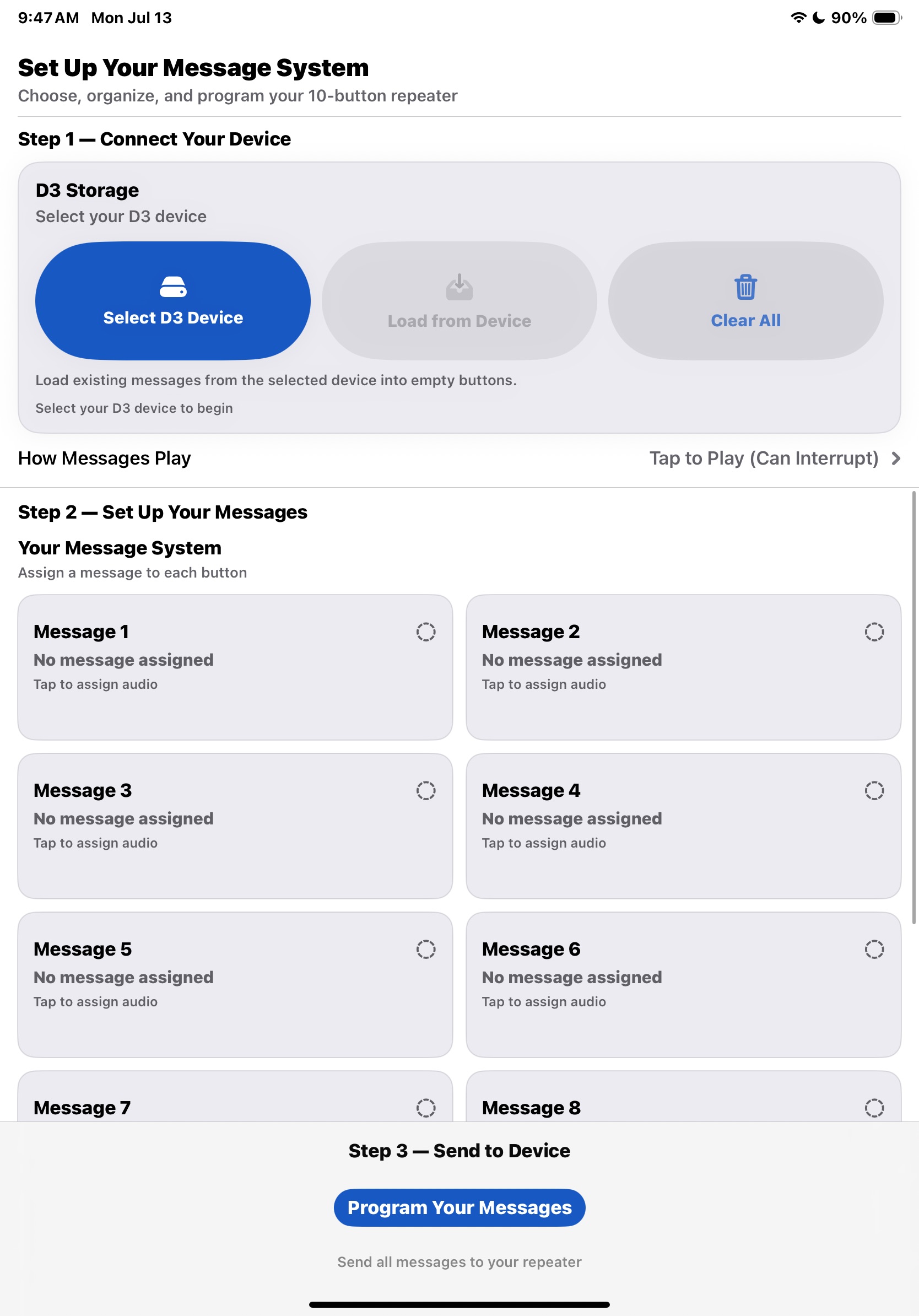
Inspection, maintenance tracking and operations software for amusement equipment. Built around the work of keeping equipment records and daily operations organized.
iOS + iPadOS
Ride-photo capture and management software for Windows. Explore D3's approach to photography for rides and attractions.
Download the Windows demo →Windows
Download the Windows setup demo directly from D3 Digital. No registration or outside website required.
Download Windows DemoA simple setup, with room to fit your application.
The 10-message system connects to your audio equipment through its line output. Use a compatible amplifier, mixer or powered speaker.
Yes. PlaySelect is included to help program your D3 repeater. You can prepare and assign replacement messages when your needs change.
The repeater uses USB power. A power adapter is included with the standard system.
The current message stops and the newly selected message plays immediately. Messages do not queue.
Yes. A four-button configuration is available, along with custom configurations for specific applications. These are quoted individually.
The initial ordering process uses a Square invoice after the order details are confirmed.
Email D3 Digital to ask about the standard 10-message repeater, a custom configuration, or a software demo.
Standard 10-button system: $425 USD
Free standard U.S. shipping.
Custom message creation included.
Orders are handled by invoice.
Send a quick email with what you need, and D3 Digital can confirm availability, configuration, and invoice total before payment.
Include the product or software you are interested in, quantity if applicable, and a brief note about your setup or messages.
Email D3 Digital d3products@icloud.com