Keep instructions, welcomes, and operating messages ready at the point of use.
D3 hardware
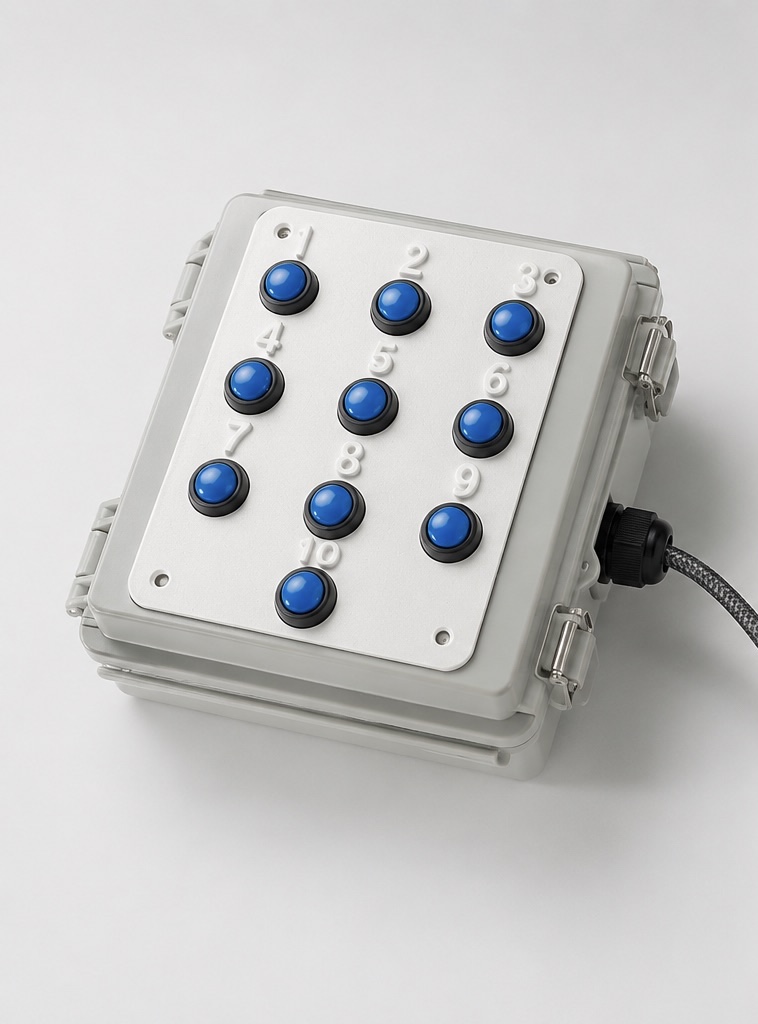
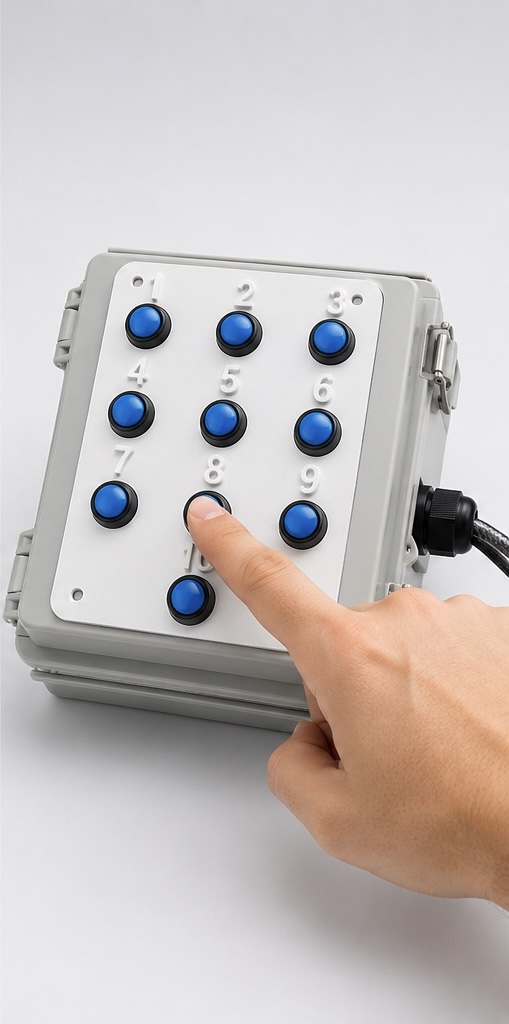
D3 10-Button Audio Repeater
Ten programmable audio messages, ready to play immediately from a dedicated physical button. Built for rides, games, concessions, attractions, and the repeated announcements that keep an operation moving.
Benefits and applications
Immediate playback for the messages you repeat most.
Choose the announcement you need without searching through software or repeating it manually.
Give games and concessions their own dedicated audio prompts.
Make recurring safety and guest instructions easy to select.
Assign one message per button and keep everyday communication consistent.
Press another button to stop the current message and play the new one immediately. Messages do not queue.
Connect the repeater to a compatible amplifier, mixer, or powered speaker through its line output.
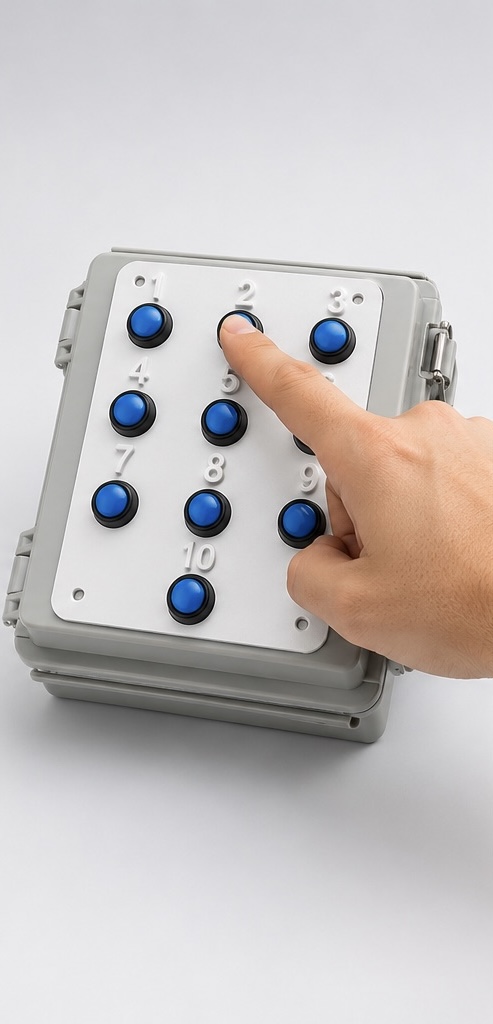
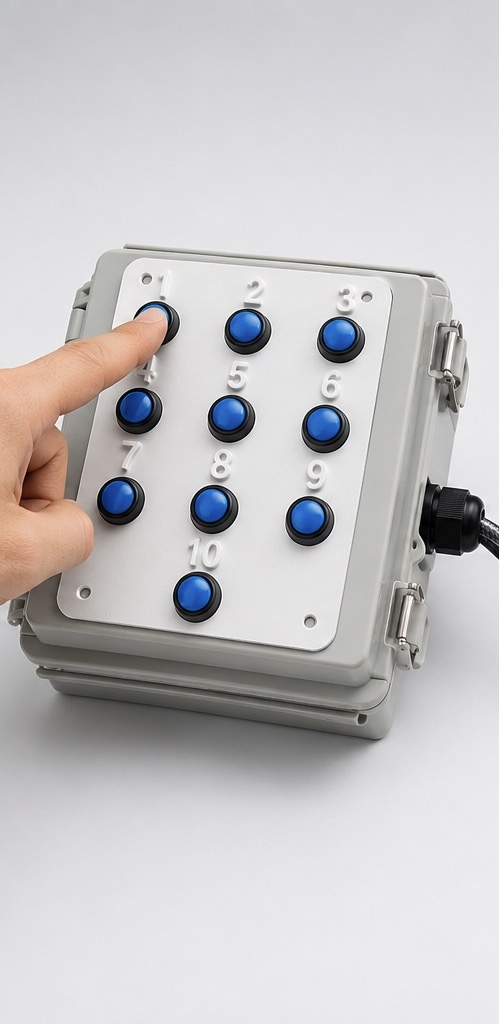
Simple push-button operation
The right message, right when you need it.
Choose a button to play its assigned message, then switch instantly when the moment changes.
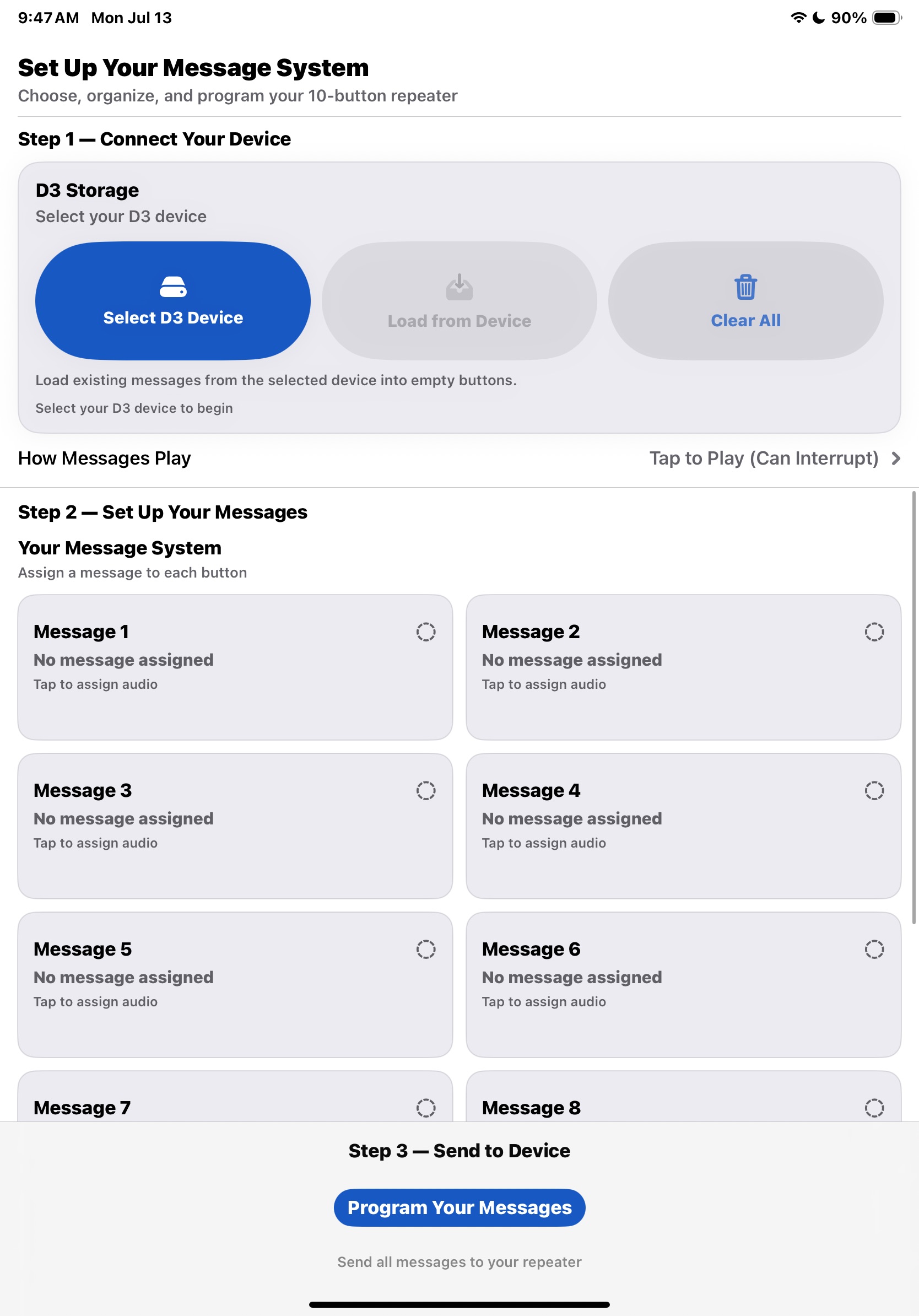
PlaySelect programming software
Update your messages when your operation changes.
Customers can prepare and assign their own audio messages with PlaySelect, then load them onto the repeater. PlaySelect is available for Windows and Mac and is included with the standard repeater system.
Use your own audio or ask D3 Digital about custom message creation. No public PlaySelect download is provided on this site.
Technical details
Simple connections. Straightforward operation.
Use these details to plan your connections and day-to-day setup.
USB power
The repeater uses USB power. A power adapter is included with the standard system.
RCA audio output
Standard RCA line output connects to a compatible amplifier, mixer, or powered speaker.
Immediate playback
Pressing another button interrupts the current message and starts the selected message.
Programming
Use PlaySelect to prepare and assign messages, then update the repeater when needed.
For audio-format compatibility, contact D3 Digital before preparing a large audio library.
Custom hardware
Need a different configuration?
D3 Digital can discuss four-button configurations, amplified audio systems, specialized audio playback requirements, motion-activated announcements, and similar custom projects.
These configurations are discussed individually rather than presented as separate established products.
Discuss your requirementsTell us what you need to announce, how the equipment is used, and what your existing audio setup looks like.
Ordering
Start with the standard system.
Orders are handled by email and invoice. Contact D3 Digital to confirm availability, configuration, and invoice details.
$425 USD
Includes standard U.S. shipping and custom message creation for the standard 10-button system.
EMAIL D3 DIGITAL
D3 10-Button Audio Repeater
Include your quantity, application, and any questions about messages or connections.
Email to order